Stream Timer Studio Pro — Configurable Clock, Countdown, Focus & Break for OBS
A downloadable tool
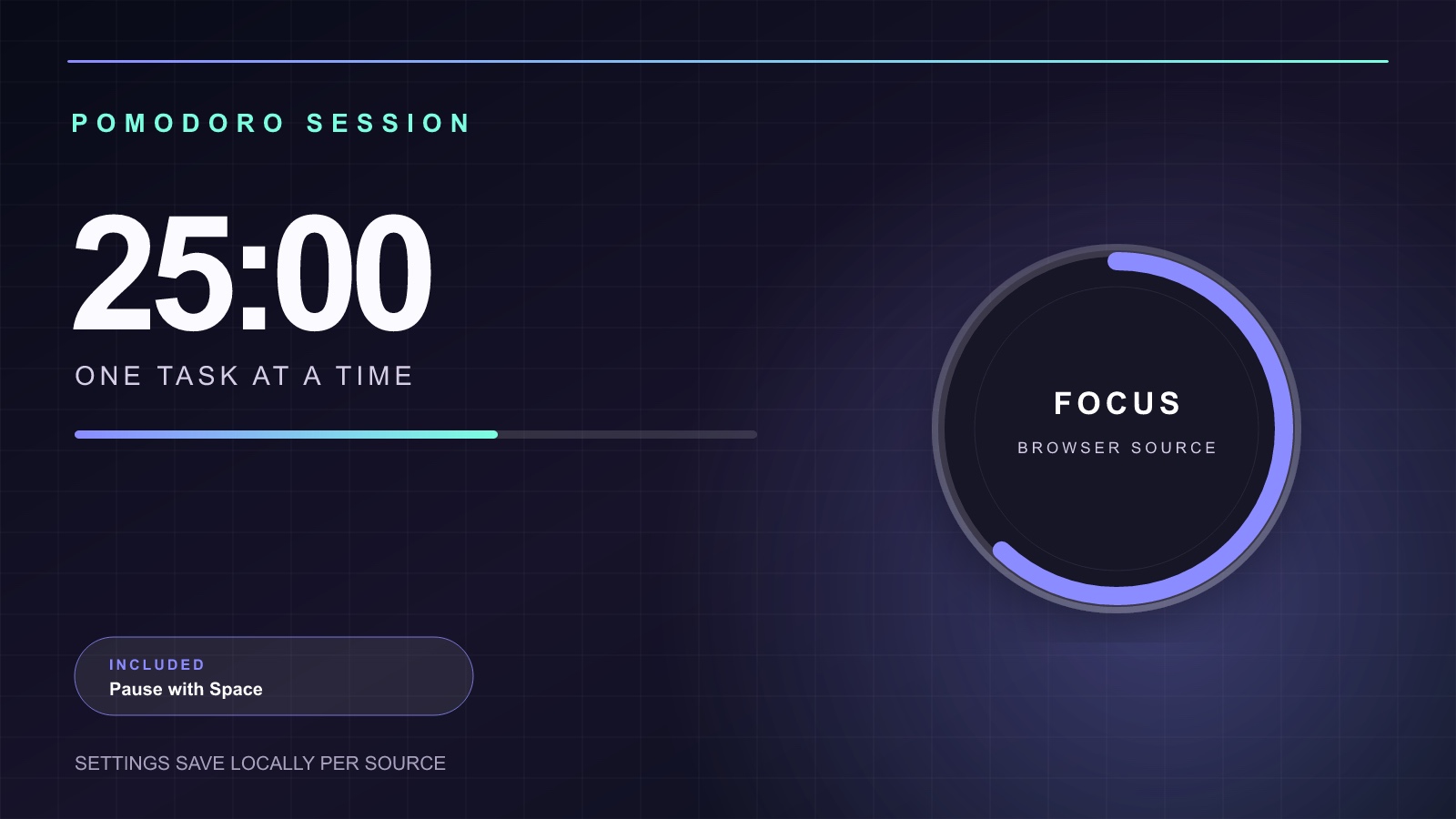
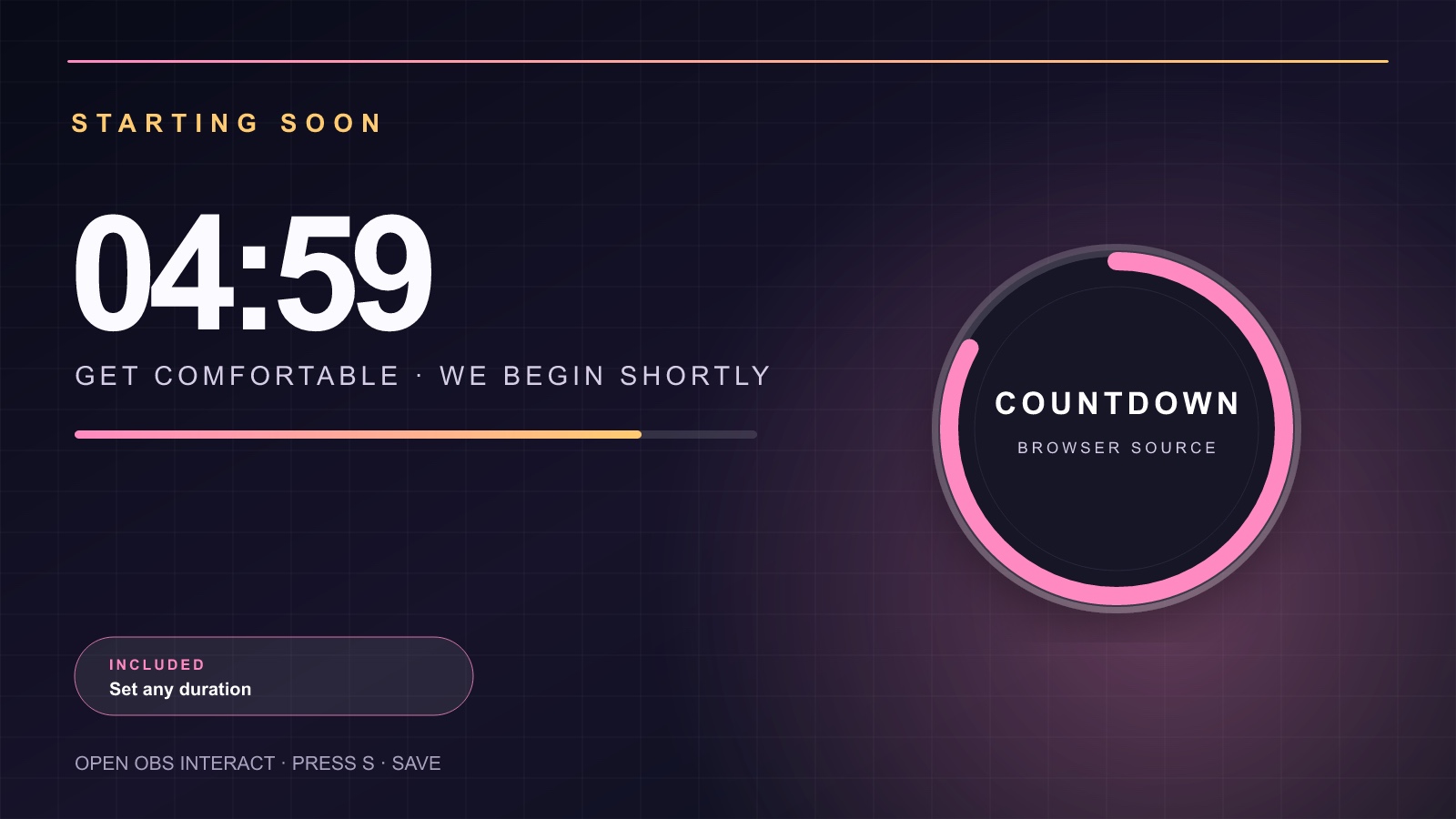
One transparent, offline HTML Browser Source with four modes: Live Clock, Starting Countdown, Pomodoro Focus and Be Right Back.
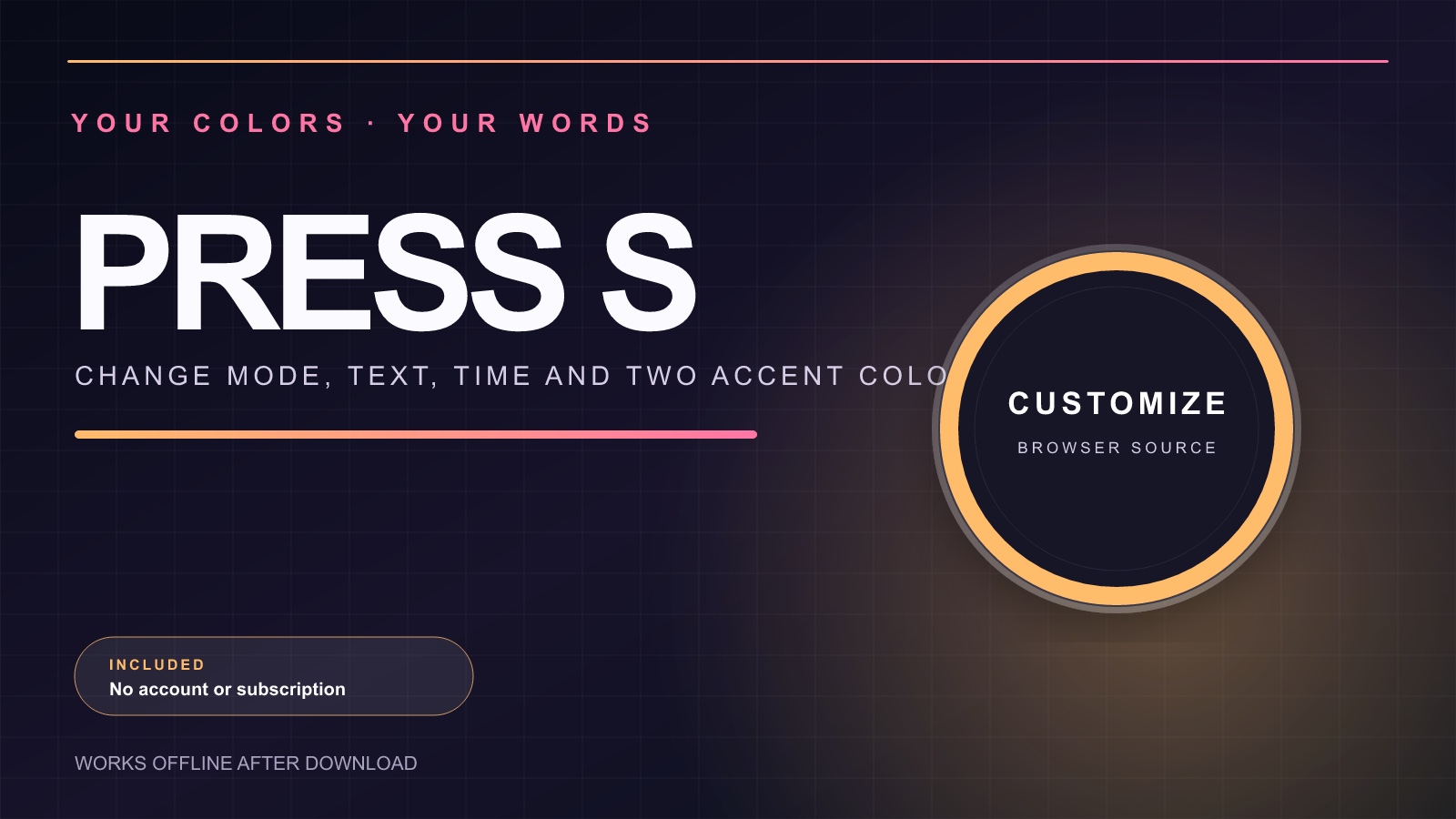
In OBS or Streamlabs, right-click the source → Interact → press S. Change the mode, headline, subtitle, minutes and two colors. Settings stay local to the Browser Source: no account, subscription or network connection.
Included:
- Live Clock
- Starting Countdown
- Pomodoro Focus
- Be Right Back timer
- Original HTML source and setup guide
Use it as a 1920×1080 transparent Browser Source for OBS or Streamlabs.
Need a simple clock first? Try Stream Timer Studio Free, then upgrade when you need the full four-mode system.
Purchase
In order to download this tool you must purchase it at or above the minimum price of $4 USD. You will get access to the following files:
Leave a comment
Log in with itch.io to leave a comment.